

The best models, one interface
How you work with Iris
A conversation, not a form. The screenshots below are from the app.
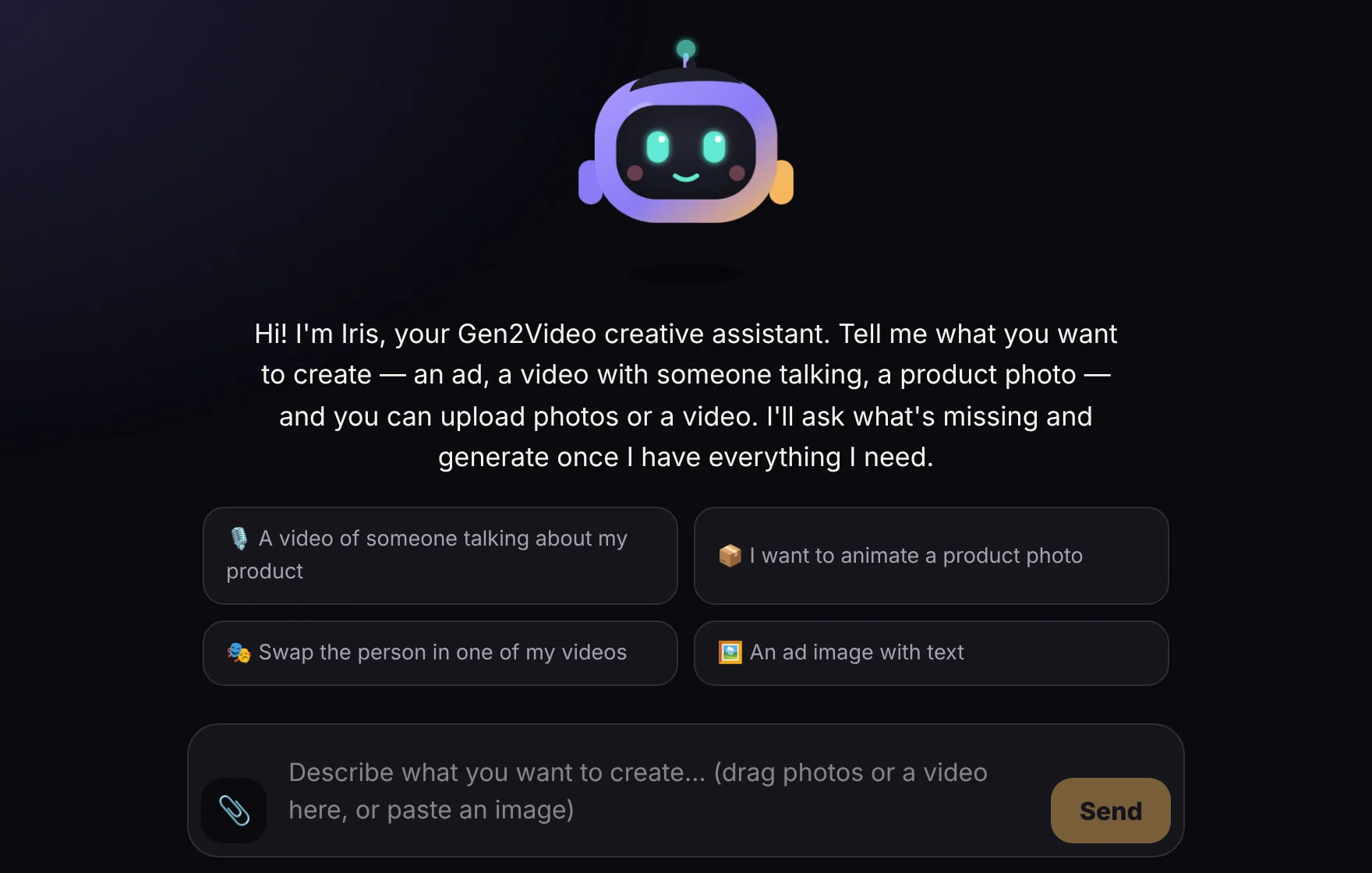
Say what you want, like talking to a person
You don't need to know what a prompt is or which model to pick. Just write: “I want an ad for my cream, for TikTok”.
- Attach photos of your product, of yourself, or one of your videos
- Or start from a ready-made idea
- Talk in English, Romanian or Spanish
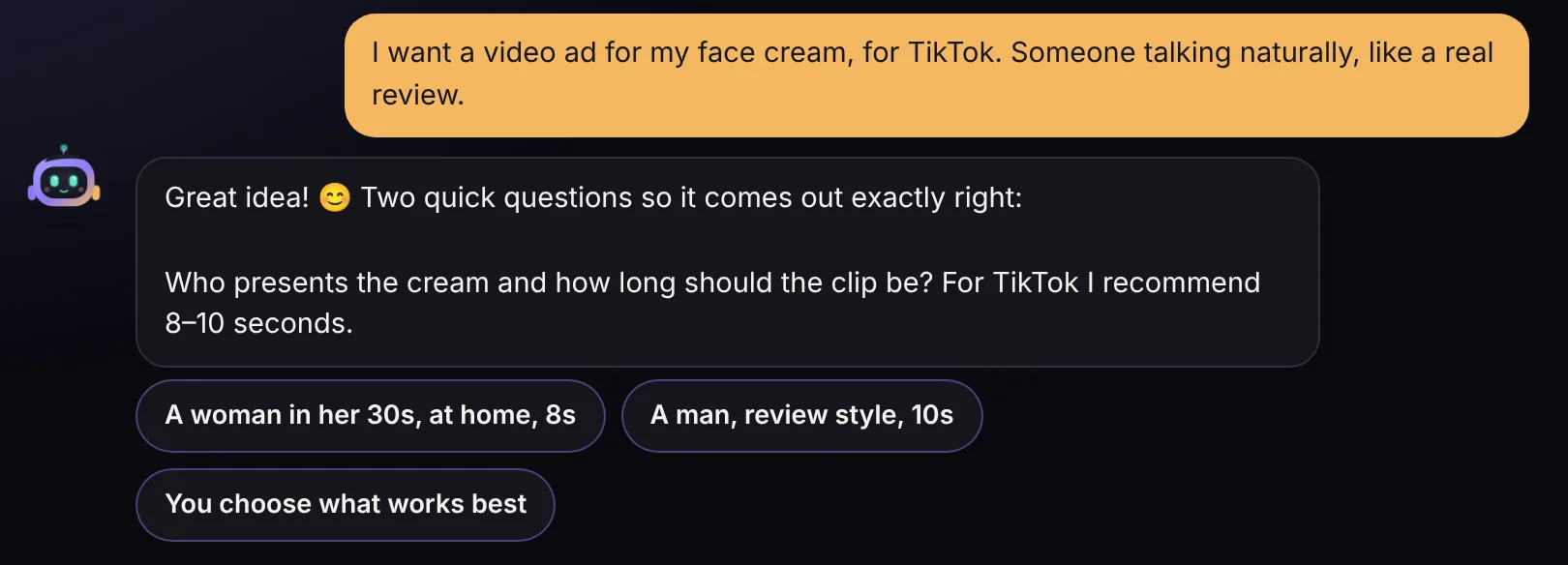
Iris asks only what's missing
Like a good director: a question or two about who appears, what they say and how long the clip should be. Reply by typing or with one click.
- Quick-reply buttons, in your language
- Tells you honestly when something won't work well
- A message costs just a few hundredths of a credit
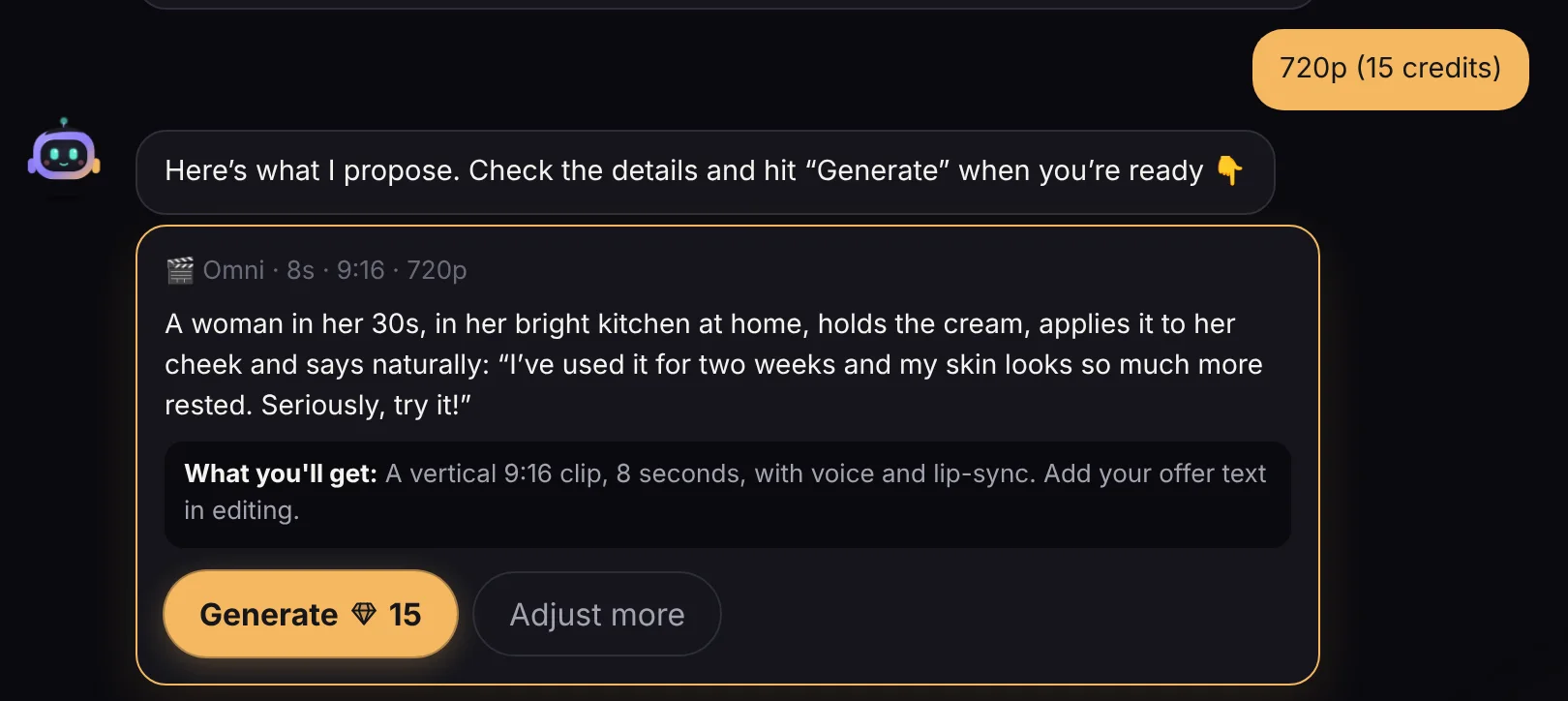
It picks the model and shows you the price
Iris knows what each model is good at: Omni for natural speech, Veo and Kling for cinematic shots, GPT Image for product photos. It writes the technical prompt for you.
- See the scene description and what you'll get
- Pick the resolution: 720p, 1080p or 4K, each with its price
- Generate only when you agree, or hit “Adjust more”
Get your result and improve it in the same conversation
The clip shows up right in the chat. Want a different line, different lighting or another format? Tell Iris and refine from the result, without starting over.
- Video and images, in one place
- Vertical 9:16 for TikTok and Reels, or 16:9
- Download the clip in one click
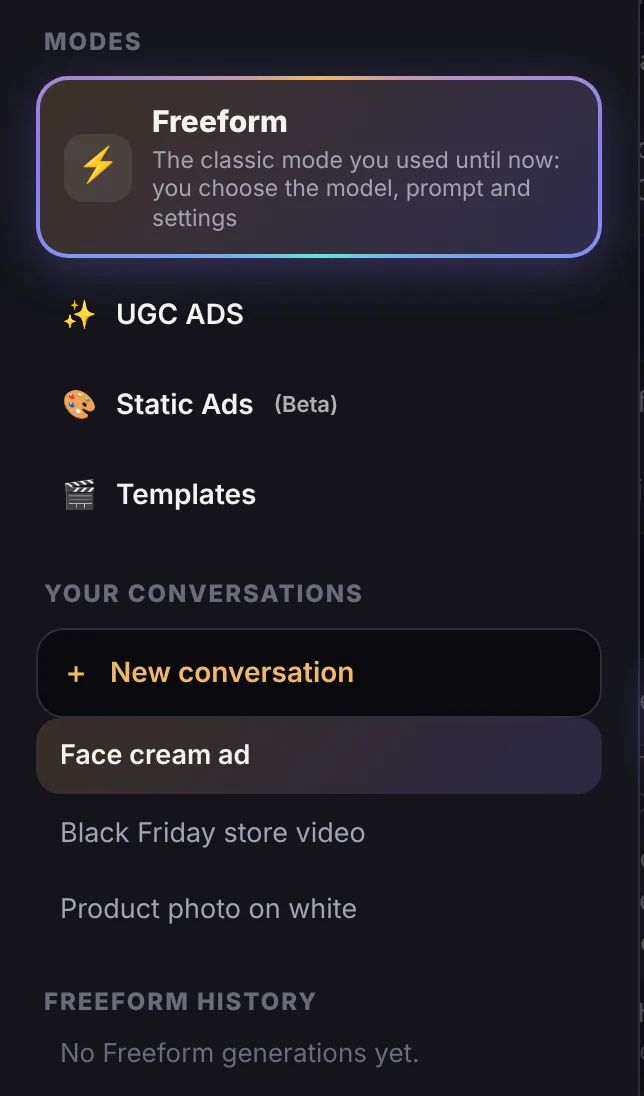
Your conversations stay saved to your account
Come back to any conversation and pick up where you left off: Iris remembers the photos, the results and what you agreed on. And if you want full control, Freeform, the classic mode, is still one click away: you choose the model, the prompt and the settings.
What you can do with Iris
A few things our customers ask her for every day.
Made with Gen2Video
A selection of what people create on the platform, across different models.
 Flux Pro
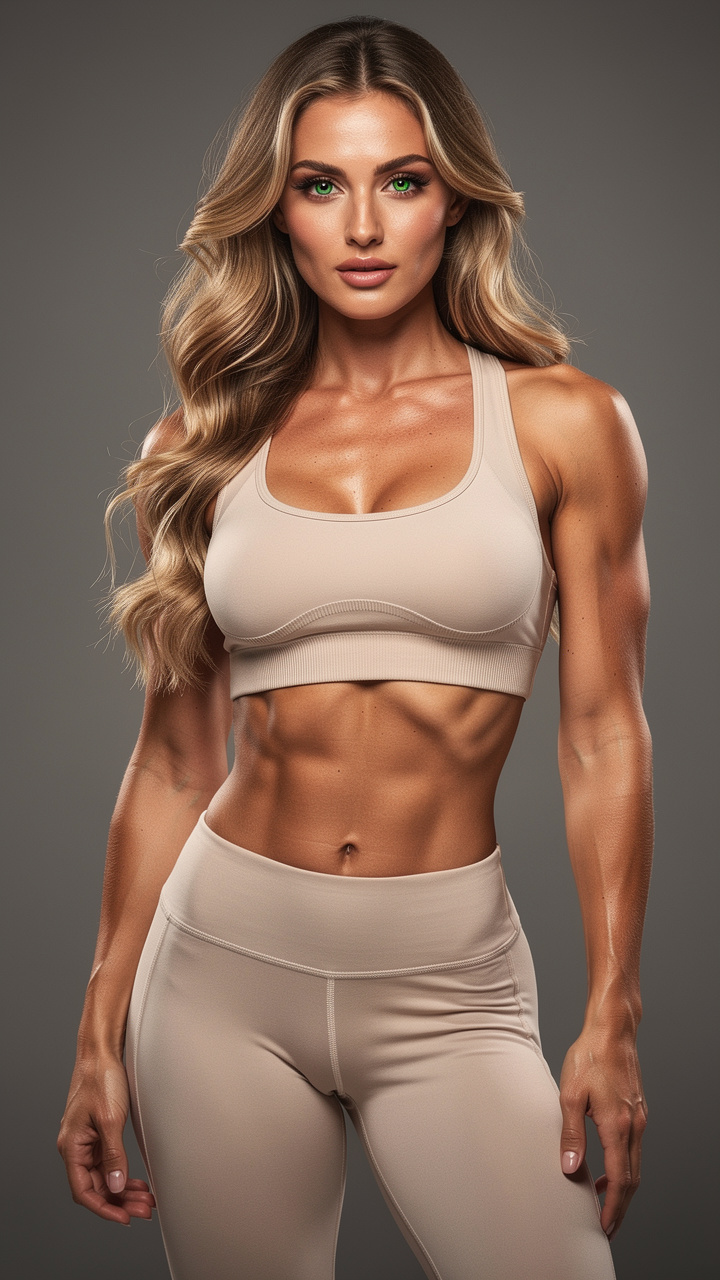 Flux Pro
 Flux Pro
 Nano Banana
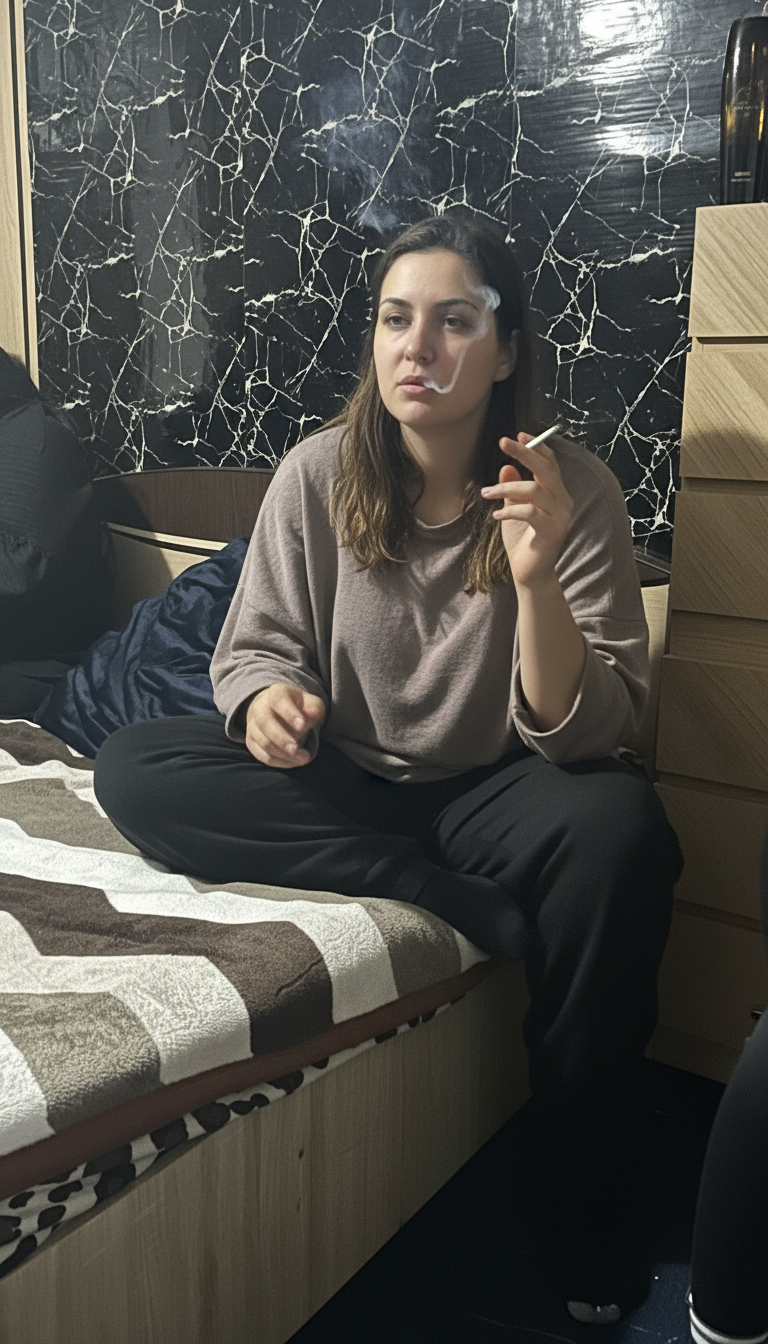 Nano Banana
 Nano Banana
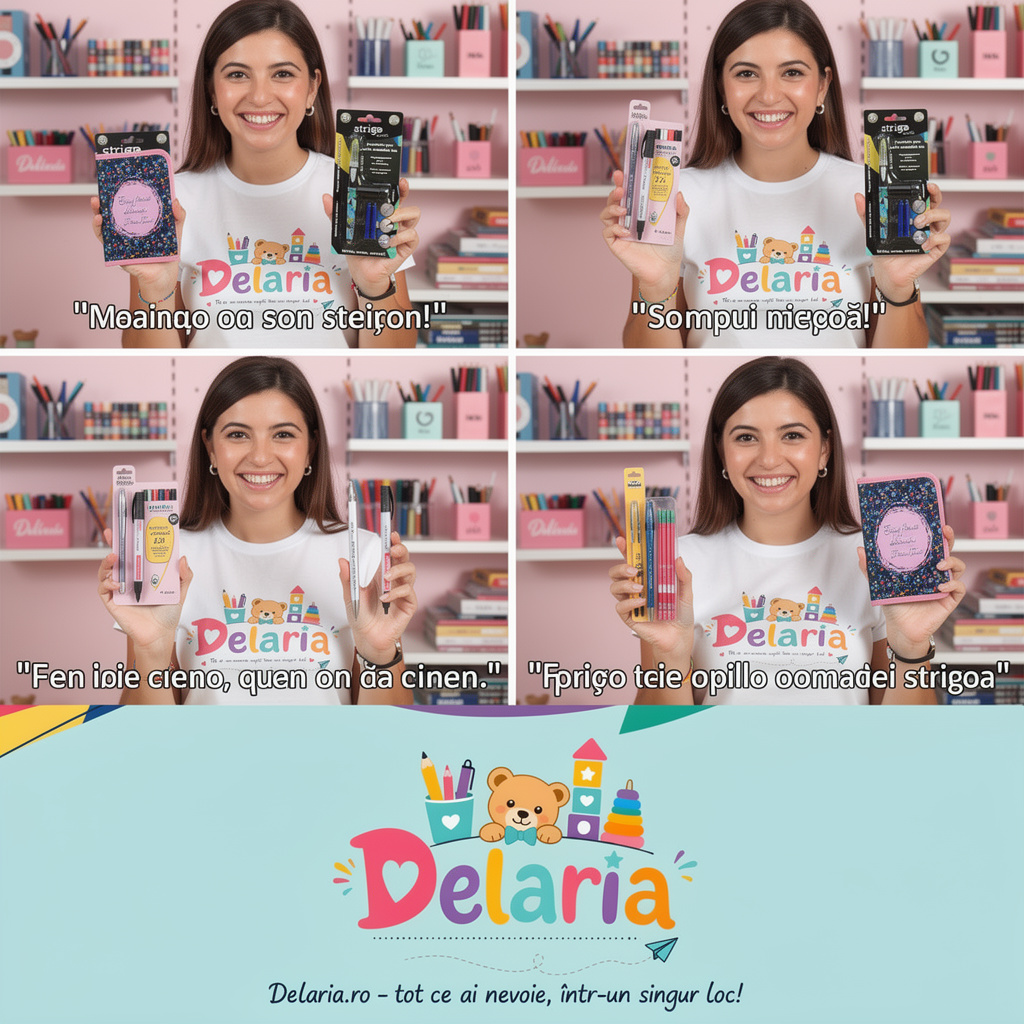 Flux Pro
 Flux Pro
What you can build
Pay only for what you use
Flexible credits from €5, no subscription. Credits never expire.
- 5–19 €€0.19 / credit
- 20–49 €€0.16 / credit
- 50–99 €€0.14 / credit
- 100 € +€0.12 / credit
Creator: 170 credits/month. Pro: from 450 up to 5,500 credits/month, the best cost per credit.
See subscriptionsFrequently asked questions
Who is Iris?
Iris is Gen2Video's AI creative assistant. Tell her what you want to create; she asks what's missing, picks the most suitable model, writes the technical prompt and shows you the exact price before you generate. You just confirm.
How much does chatting with Iris cost?
Very little: a message usually costs a few hundredths of a credit, deducted exactly, with decimals. You pay normally only for the generation you confirm, at the price shown on the proposal.
Can I pick the model myself, without Iris?
Yes. Freeform, the classic mode, is always available from the left menu: you choose the model, the prompt and the settings.
What are credits?
The unit you pay for generations with. Each model and duration costs a number of credits, shown before you generate. The same credits work for both image and video.
Do credits expire?
Flexible credits you buy never expire. Subscription credits (Creator/Pro) renew monthly and don't roll over.
What languages are supported?
English, Romanian and Spanish, with cultural adaptation for each market — not a plain word-for-word translation.
Can I get a refund?
Credits are only deducted for successful generations; if a generation fails technically, no credits are charged and you can retry for free. But from the moment you use even a single credit from a package, for any reason, the entire package becomes permanently non-refundable, in full, not just the used part. You can request a refund only if you haven't used the package at all, within 14 days of purchase.
Tell Iris what you want to create
She asks what’s missing, picks the model and shows you the price. You get 3 free credits when you sign up, no card required.